

Visitor Management
Manage visitor entry with Sentritec, from granting temporary access to controlling where and when guests can enter.
Manage visitor entry with Sentritec, from granting temporary access to controlling where and when guests can enter.
Manage visitor entry with Sentritec by defining where guests can go, when access starts and when it ends.

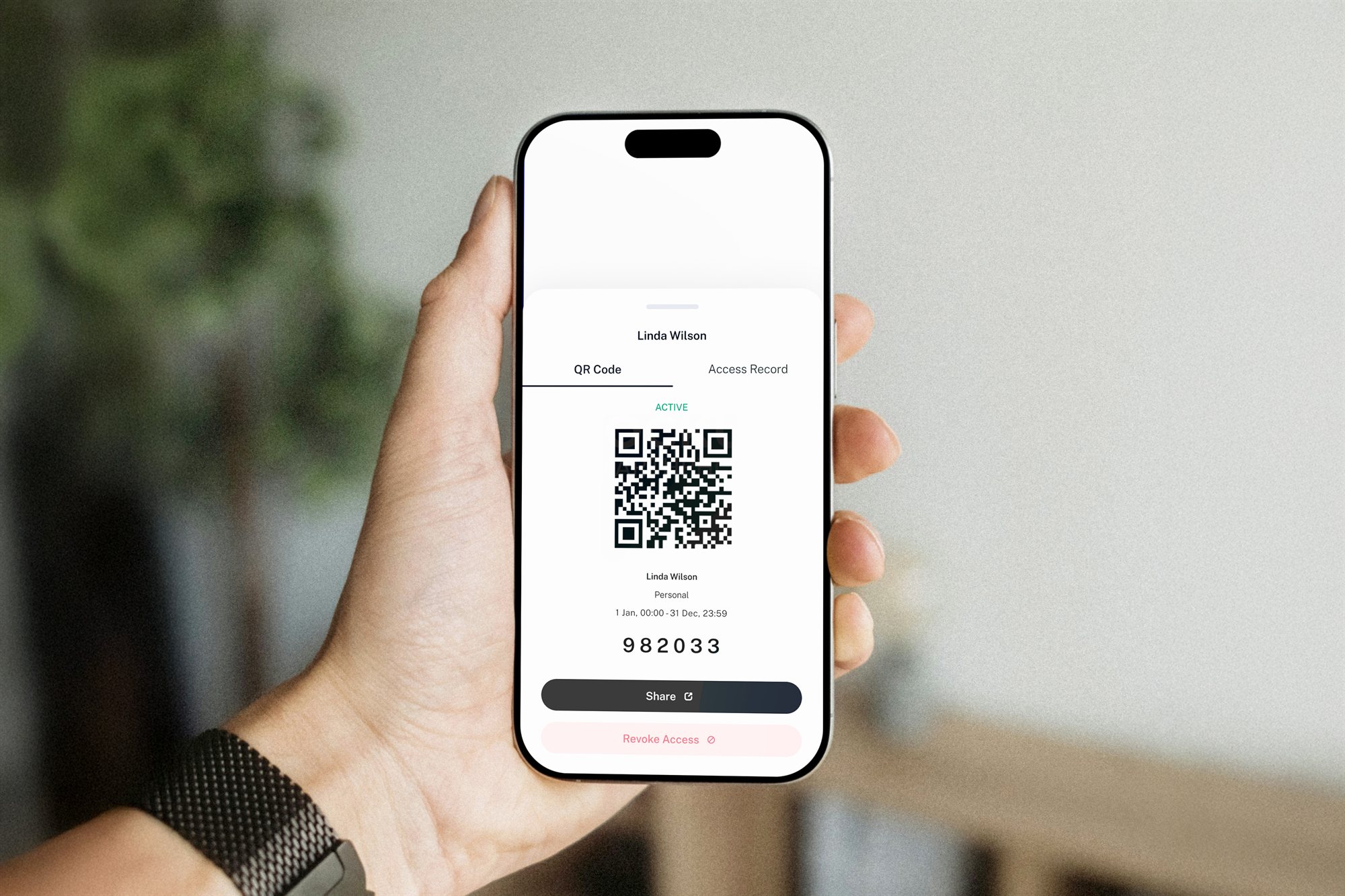
Give visitors a time-bound Temporary Key for entry through approved Sentritec-controlled doors.

Choose which doors or areas a visitor can access instead of giving them unrestricted entry throughout the site.

Define when visitor access becomes valid and when it expires, so access only remains active for the approved visit.
Configure how doors, access levels and Temporary Key permissions should work.
Register the visitor, choose the allowed access level and set the validity period.
Main lobby door
Sentritec A1 · HQ Tower · Level 1
OnlineLift lobby · Level 8
Sentritec A2 · HQ Tower · Level 8
OnlineServer room
Sentritec B4 · HQ Tower · Level 3
OnlineLobby access
08:00 – 18:00
Mon
Tue
Wed
Thu
Fri
Sat
Sun
Front desk
Can issue Temporary Keys
Security team
Can issue Temporary Keys
Visitor name
Valid from – until
Access level
Lobby accessAdd each Sentritec-controlled door, assign the device, site and floor, and configure how the door should operate.
Group doors into access levels and define when those areas can be accessed by day and time.
Choose who is allowed to issue Temporary Keys and which access levels can be assigned to visitors.
Create the Temporary Key, set its validity period and choose the access level the visitor is allowed to use.


Get started with Sentritec today and build an access ecosystem that grows with your business.